

Fix page not found when refresh
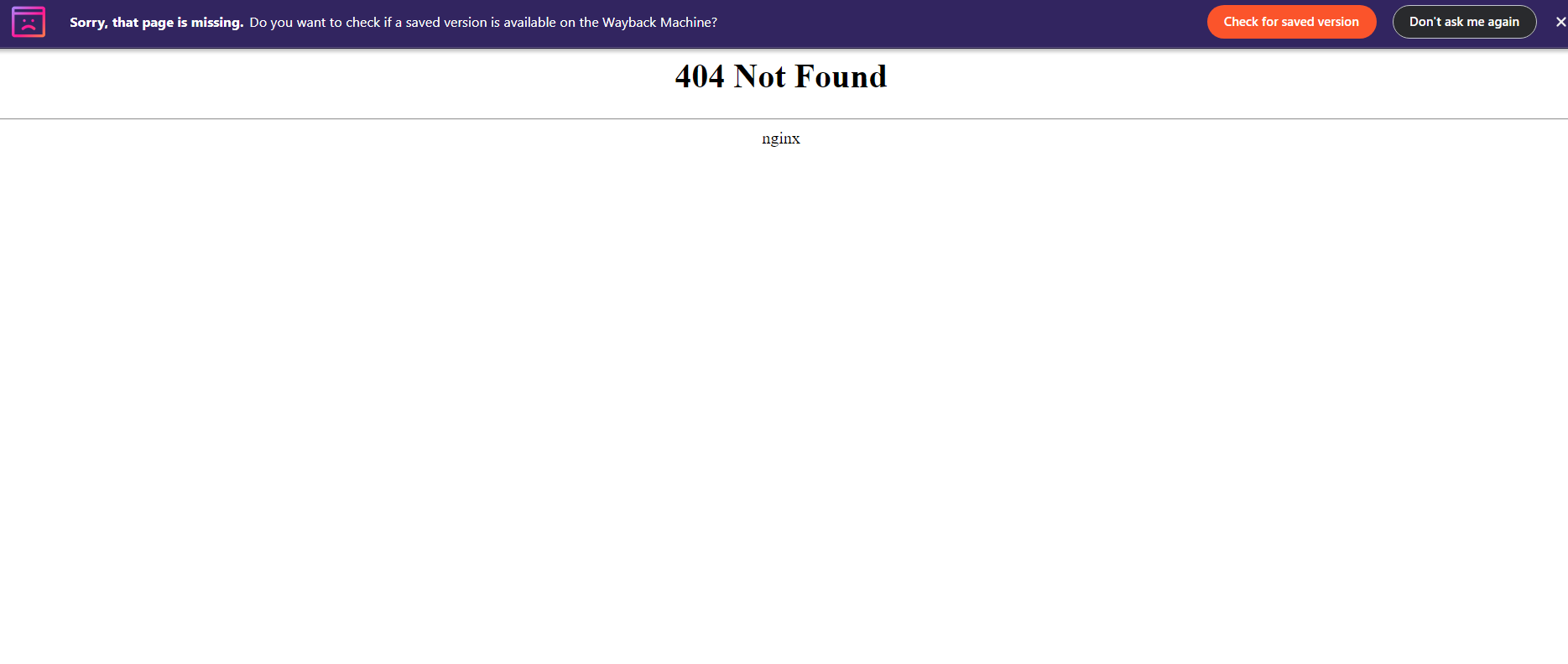
Sometimes when you try to deploy your front-end frameworks like vue.js or react.js, your web server cannot refresh your page after you login into that page. Here are some configurations in your web server configuration
if you are using NGINX :
location / {
  try_files $uri $uri/ /index.html;
}
if you are using APACHE :
make sure the apache rewrite module is enabled on your server, just type sudo a2enmod rewrite
<IfModule mod_rewrite.c>
  RewriteEngine On
  RewriteBase /
  RewriteRule ^index\.html$ - [L]
  RewriteCond %{REQUEST_FILENAME} !-f
  RewriteCond %{REQUEST_FILENAME} !-d
  RewriteRule . /index.html [L]
</IfModule>
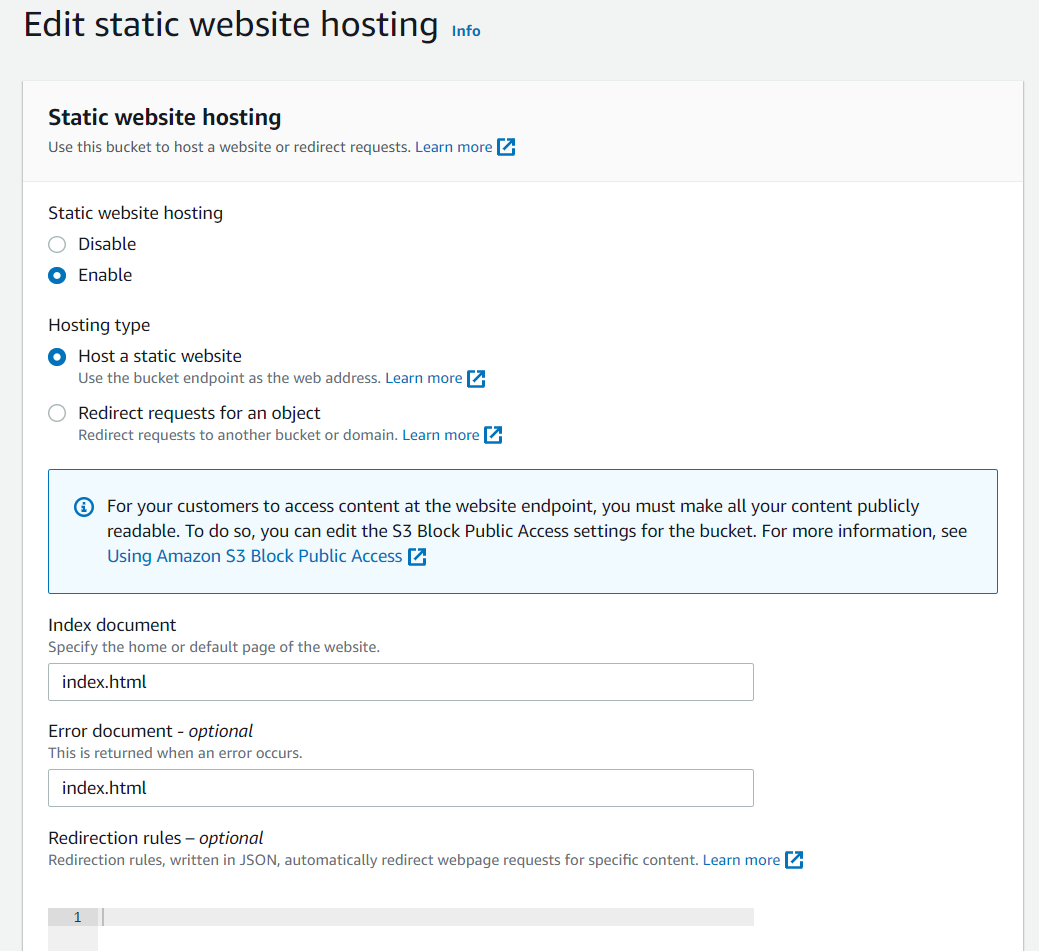
If in AWS S3 bucket Config :
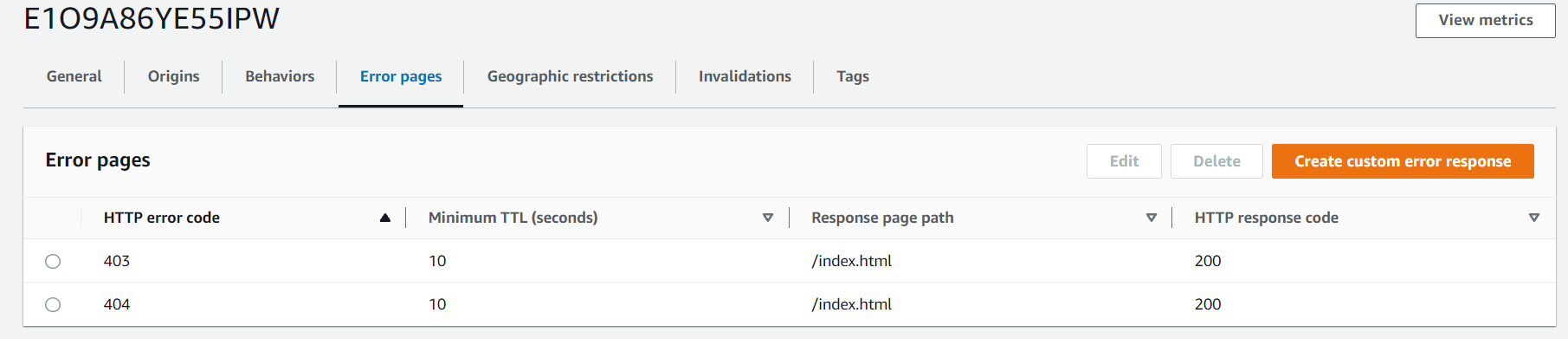
If you are using AWS Cloudfront, define an error page like this
hope this helpfull.
About the author
I am a backend developer from Indonesia, focused on php, and some cloud platform administrator
Comments
Join the discussionNo comments yet. Be the first to comment.

